
Health & Repair
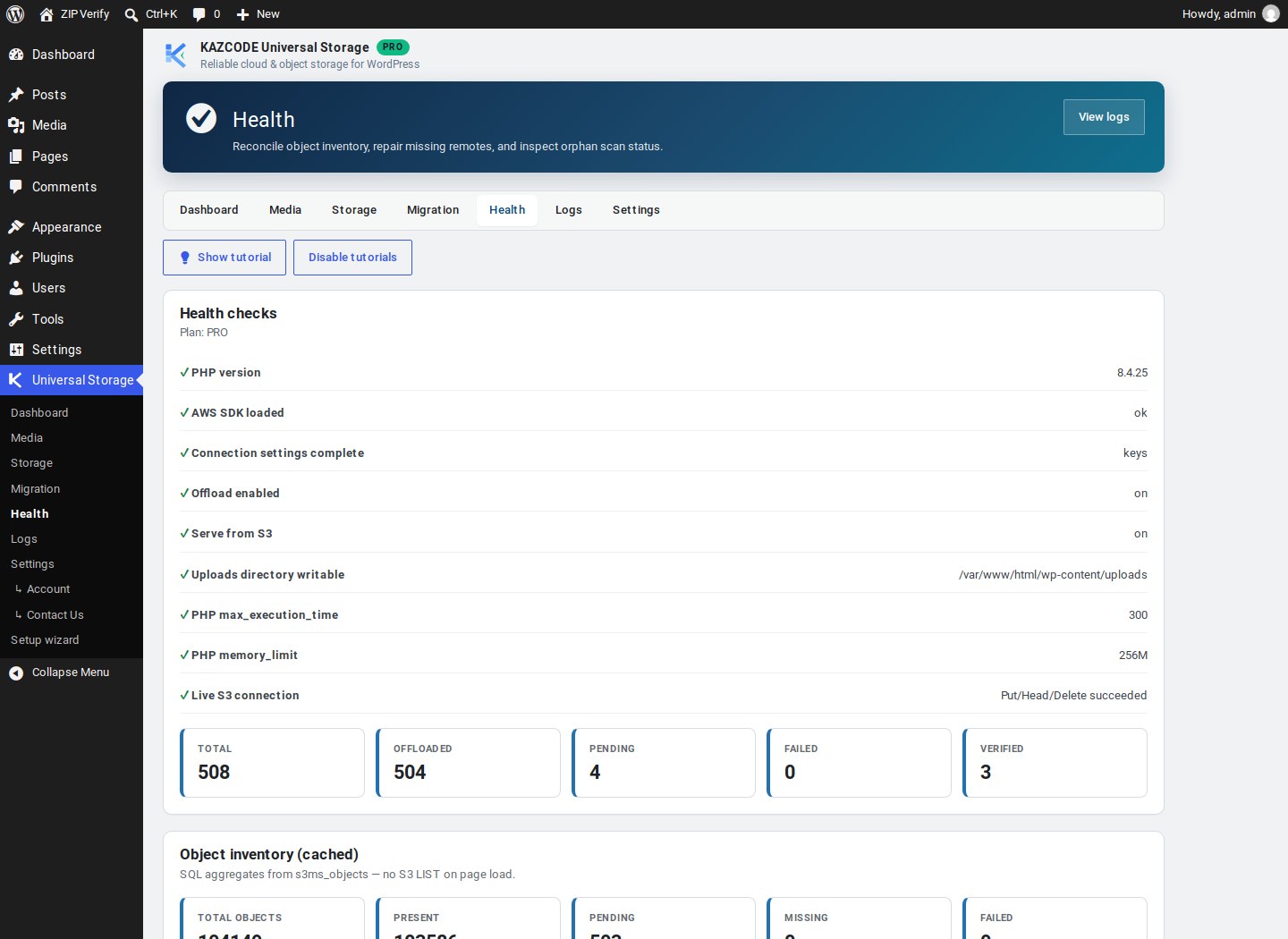
Universal Storage → Health runs health checks, shows object-inventory stats, and includes an AWS setup assistant — a checklist plus a ready-to-use least-privilege IAM policy generated for your current bucket/prefix.
Steps
-
Open Universal Storage → Health.
-
Review the checklist — connection, credentials, and known-problem checks.
-
Use Repair to re-upload or re-verify individual objects that failed or drifted, without touching everything else:
Terminal window wp universal-storage repair --dry-runwp universal-storage health scan --full
Local storage policies
Configurable per-site under Universal Storage → Settings:
- Keep local files indefinitely
- Delete local files after a verified upload
- Remote-only (no local retention)
Local file deletion always requires a successful remote HEAD verification first — there is no setting that disables that check.
Verify it worked
Universal Storage → Dashboard shows cached object-inventory counts (present, pending,
missing, failed, stale), refreshed hourly or on demand from Health. Run
wp universal-storage status for the same totals from the CLI.
Troubleshooting
Health check flags a permissions problem — the generated IAM policy on this screen is pre-filled for your current bucket/prefix; compare it against what’s actually attached to your IAM user.
Advanced reconcile, beyond what’s described here, is a Pro capability. A dry-run comparison between what’s actually in your bucket and what the plugin’s inventory expects (orphan scan) is also Pro — it only ever reports, never deletes.