
Restore Media
Restore downloads files back from remote storage into wp-content/uploads. Nothing this
plugin does is one-way — restore, verify, and basic repair are Free capabilities and are
never gated behind a paid upgrade, so recovering your own media never requires Pro.
For rollback planning, disk-space checks, provider-specific failure modes, and a bulk restore checklist, see Restore WordPress Media from Amazon S3 or Cloudflare R2.
Before you begin
A tested storage profile with the attachments you want to restore already offloaded.
Steps
-
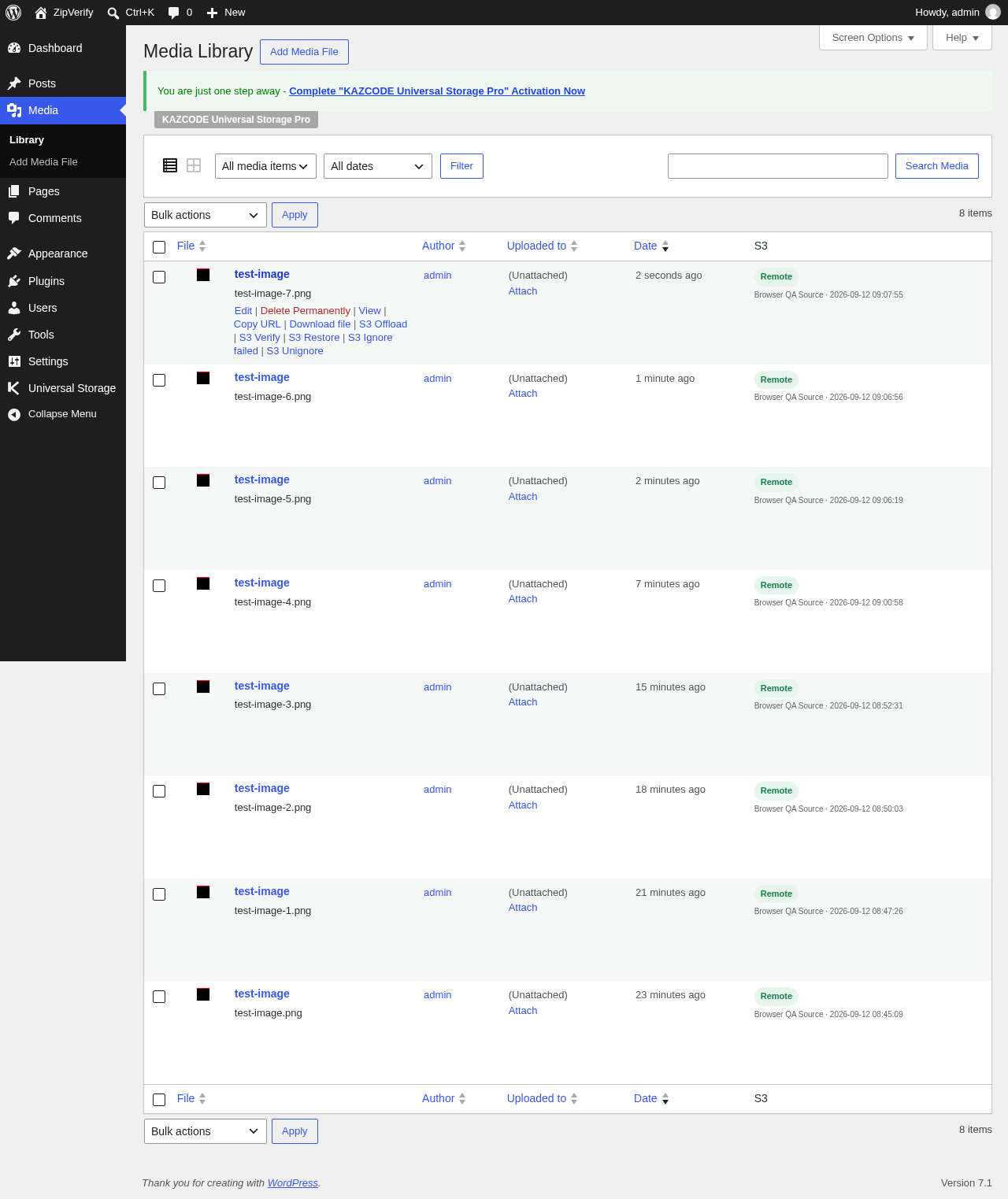
Single attachment: use the restore row action on Universal Storage → Media.
-
In bulk: use the Migration screen, or run:
Terminal window wp universal-storage restore
Bulk restore lives on the same Migration screen as the other batch actions:
Verify it worked
The restored attachment’s local files reappear under wp-content/uploads, and its status
in Universal Storage → Media updates accordingly.
Troubleshooting
Restore fails for a specific file — check that the uploads directory is writable by
WordPress; the plugin always confirms the destination path is genuinely under the uploads
basedir before writing, so an unwritable or misconfigured uploads path will surface as a
restore failure rather than a silent no-op.
Deleting an attachment that has offloaded objects triggers its own remote-delete-then- local-cleanup path automatically — see Health & repair for what happens to the plugin’s own inventory rows when that happens.